SAP News Update
Function Module HR_READ_INFOTYPE: No Results Post-SAP Note 3413629
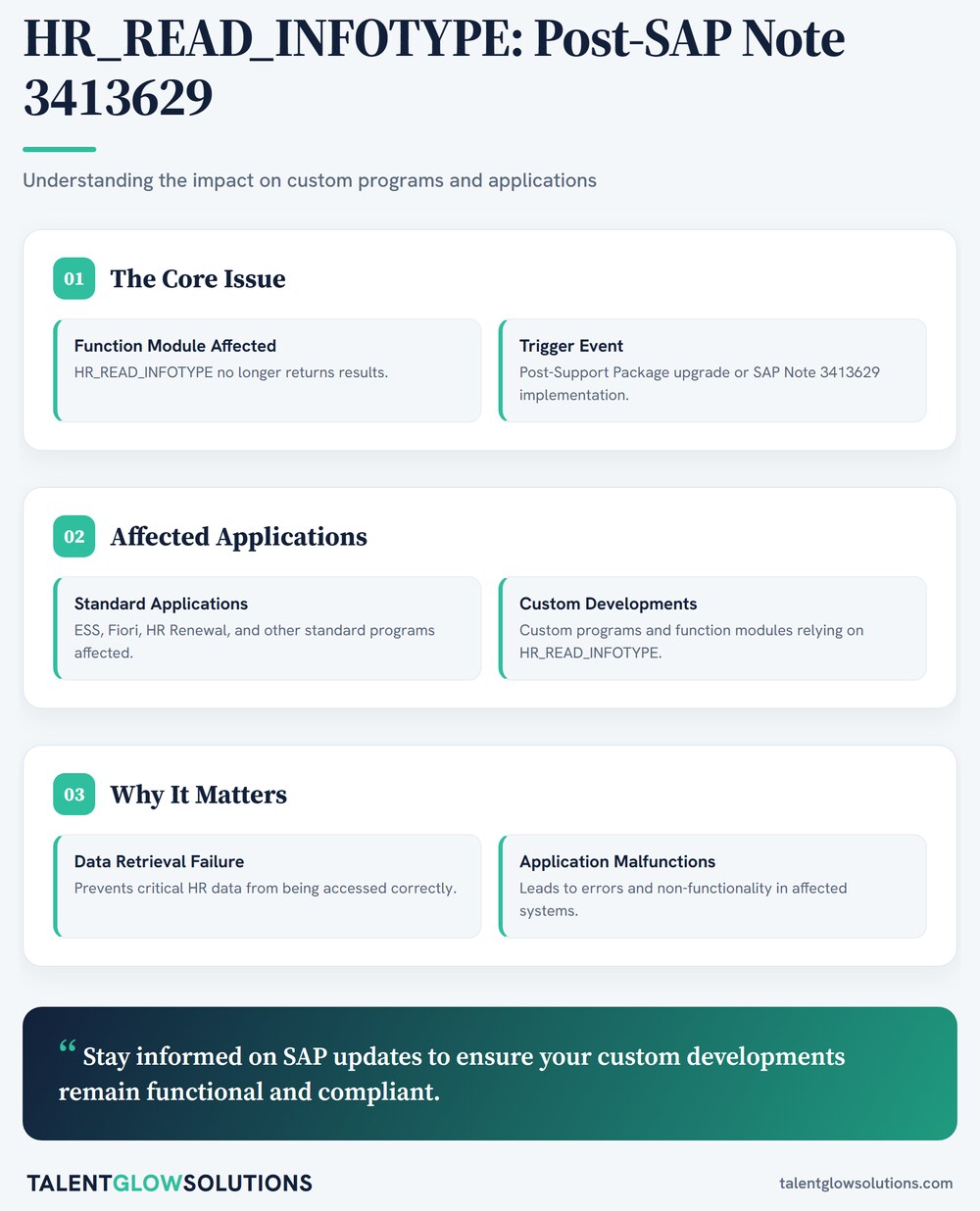
A significant issue has emerged for SAP users utilizing the function module HR_READ_INFOTYPE in their custom programs or function modules. As reported by SAP Community, HCM blogs, on November 5, 2026, this module may cease returning any results after a support package upgrade or the direct implementation of SAP Note 3413629. This can lead to critical malfunctions in various applications, including ESS, Fiori, HR Renewal, and other standard and custom transaction codes and programs.
This development is crucial for SAP professionals, particularly those involved in HCM-related development and system maintenance. Understanding the root cause and potential solutions is essential to maintain system integrity and ensure business continuity. While TalentGlowSolutions primarily focuses on core SAP modules like FICO, MM, SD, PP, EWM, BASIS, and ABAP, staying informed about broader SAP ecosystem changes is vital for any aspiring or current SAP consultant.
What is the HR_READ_INFOTYPE Function Module?
HR_READ_INFOTYPE is a standard SAP function module used to read data from HR infotypes. Infotypes are logical groupings of related data fields, such as personal data, organizational assignments, or payroll information, which are central to SAP Human Capital Management (HCM).
This function module provides a structured way to access specific employee data stored within the SAP system. Developers frequently incorporate it into custom reports, interfaces, and enhancements to retrieve and process HR-related information. Its reliability is paramount for any application that relies on accurate and timely employee data.
Why is HR_READ_INFOTYPE Not Returning Results?
The primary reason for HR_READ_INFOTYPE not returning results is the implementation of SAP Note 3413629 or a relevant support package upgrade. This note likely introduces changes to how data is accessed or handled within the underlying HR data structures, affecting the function module's behavior.
These changes are typically implemented to enhance security, improve performance, or align with new data privacy regulations. While beneficial for the overall system, they can inadvertently impact existing custom developments that rely on the previous functional behavior of standard modules. Always verify the specifics of any SAP Note to understand its full implications.
Which SAP Applications are Affected by This Issue?
The impact of this change extends to a range of SAP applications, both standard and custom. Standard applications that rely heavily on HR data retrieval, such as Employee Self-Service (ESS), SAP Fiori applications related to HR, and HR Renewal interfaces, are particularly vulnerable.
Custom programs and function modules that you or your organization have developed to handle specific HR processes will also experience issues. This is because these custom developments often directly call HR_READ_INFOTYPE to fetch necessary employee information, leading to data retrieval failures and subsequent application errors. It's crucial to identify all custom code that uses this function module.
How Can You Identify Affected Custom Programs?
Identifying affected custom programs requires a systematic approach to code analysis. You should search your development system for all instances where HR_READ_INFOTYPE is called.
Tools like SAP's Code Inspector (transaction SCI) or the ABAP Development Tools (ADT) in Eclipse can be invaluable for this task. These tools allow you to perform comprehensive code scans across your custom namespaces (e.g., Z or Y) to pinpoint specific usage. Focus your search on calls within custom reports, function modules, classes, and BAdIs (Business Add-Ins).
| Search Method | Description | Focus Area |
|---|---|---|
| Code Inspector (SCI) | Standard SAP tool for static code analysis. | Z/Y programs, FMs, classes |
| ABAP Development Tools (ADT) | Eclipse-based IDE for modern ABAP development. | Projects, packages, transport requests |
| Program RS_ABAP_SOURCE_SCAN | Utility program to search ABAP source code. | Specific keywords like 'HR_READ_INFOTYPE' |
What are the Steps to Address the HR_READ_INFOTYPE Problem?
Addressing the issue requires a combination of investigation, adaptation, and thorough testing. Here's a step-by-step approach:
- Review SAP Note 3413629 Details: Carefully read the complete documentation for SAP Note 3413629. This note will often contain specific recommendations, alternative function modules, or updated coding patterns that should be used instead of the problematic one. It may also provide context on why the change was necessary.
- Analyze Custom Code: Use the methods outlined above (Code Inspector, ADT, RS_ABAP_SOURCE_SCAN) to create a comprehensive list of all custom objects that call HR_READ_INFOTYPE. Prioritize critical applications and reports for immediate action.
- Identify Alternative Approaches: Based on the SAP Note's recommendations or standard SAP best practices, identify alternative ways to retrieve the necessary HR infotype data. This might involve using newer API methods, different function modules, or direct database access with appropriate authorization checks.
- Adapt Custom Programs: Modify your custom programs and function modules to replace the problematic calls to HR_READ_INFOTYPE with the identified alternative approaches. Ensure that the new code retrieves data correctly and handles all necessary parameters.
- Thorough Testing: After making changes, conduct rigorous testing in a development or quality assurance environment. This includes unit testing, integration testing, and user acceptance testing (UAT) to ensure that the applications function as expected and that data integrity is maintained.
- Deployment: Once testing is complete and successful, deploy the updated custom code to your production environment following your organization's standard change management procedures.
What Does This Mean for SAP Learners and Consultants?
For SAP learners and consultants, this news underscores the importance of continuous learning and adaptability in the SAP ecosystem. The SAP landscape is constantly evolving, with regular updates, notes, and support packages being released. Understanding how to analyze these changes and adapt custom developments is a critical skill.
Keeping up-to-date with SAP notes and community discussions is part of being an effective SAP professional. For those looking to build a career in SAP, gaining practical experience with ABAP development and understanding how to debug and modify standard and custom code is invaluable. TalentGlowSolutions offers mentor-led, project-based training on a live S/4HANA system for modules like FICO, MM, SD, PP, EWM, BASIS, and ABAP, preparing learners to tackle real-world challenges like this.
Sources
Frequently asked questions
What is SAP Note 3413629?
SAP Note 3413629 is an SAP support note that, upon implementation or via a support package upgrade, causes the HR_READ_INFOTYPE function module to stop returning results in custom programs and applications.
Which SAP systems are impacted by HR_READ_INFOTYPE issues?
Systems that have implemented SAP Note 3413629 or received a support package upgrade containing its changes are impacted. This affects custom programs and standard applications like ESS, Fiori, and HR Renewal that rely on HR_READ_INFOTYPE.
How can I fix the HR_READ_INFOTYPE no results issue?
To fix the issue, you need to analyze your custom code for calls to HR_READ_INFOTYPE, review SAP Note 3413629 for recommended alternatives, adapt your programs to use new methods, and then thoroughly test the changes.
Is HR_READ_INFOTYPE still relevant in modern SAP S/4HANA systems?
While HR_READ_INFOTYPE has been a long-standing function module for reading HR infotypes, SAP continuously evolves its APIs. Issues like those introduced by SAP Note 3413629 indicate a shift towards potentially newer or more secure methods for data access, requiring developers to stay updated.
Ready to launch your career?
Our expert-led training and placement assistance can help you navigate complex SAP updates and build robust solutions.
Explore Programs Talk to us